

Last Updated:
If you’re having trouble with the steps in the Get Access to Datadog doc, see below for troubleshooting help.
How to log in
You can connect to Datadog when you’re on the VA Network or, you can follow these steps:
-
Connect your PIV to your computer.
-
Click the “Log in with SAML” button

-
Enter your VA email address here
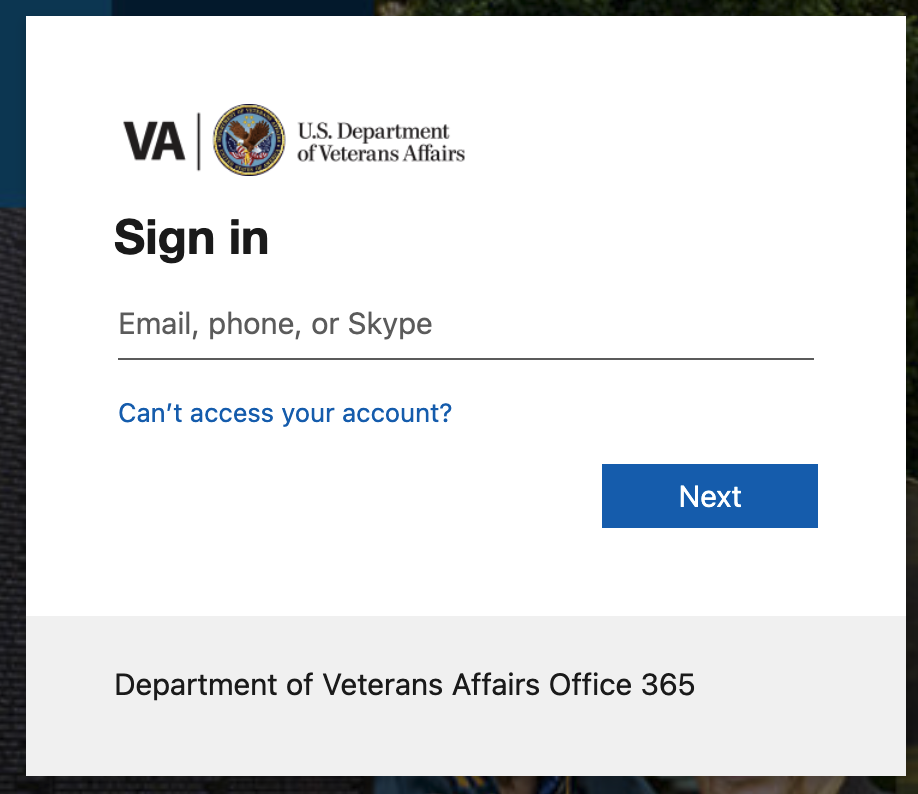
-
There will be a popup in the browser. Click “OK”
-
Another popup will ask for your your PIV
Other troubleshooting
If you see this screen after clicking “Log in with SAML”, plug your PIV into your computer and try again. A pop-up should appear asking for your PIN and login should succeed.
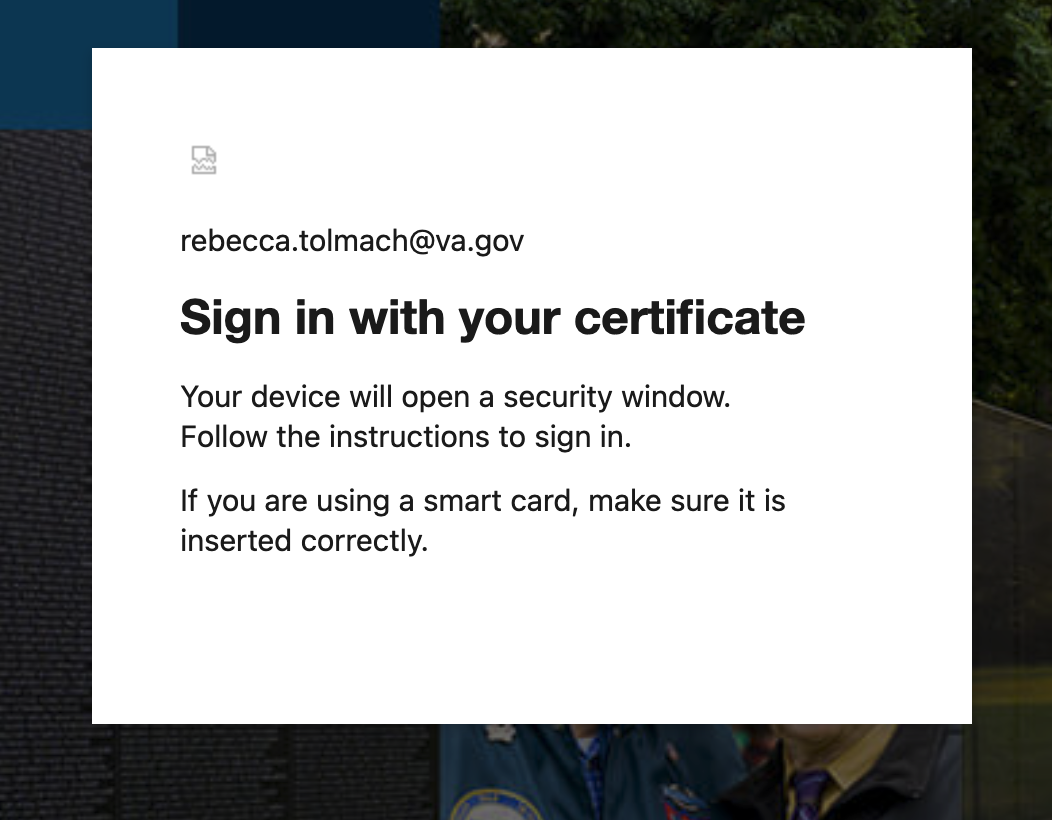
You don’t need to keep your PIV plugged into your computer all day to continue accessing Datadog. But you will need to do this same process tomorrow (or when you next access Datadog after today).
Still not working? Your browser may have cached that the certificate is missing and you’ll need to quit out of your browser and re-open it and try again. Alternatively, you could try a private or incognito window of your browser, or a different browser.
Help and feedback
-
Get help from the Platform Support Team in Slack.
-
Submit a feature idea to the Platform.