

Last Updated: February 5, 2026
The guide details the purpose of the console1984 gem and how to use it with console access in ArgoCD.
Purpose
The console1984 gem (source) was added to log every Rails console interaction in terminal ArgoCD. console1984 enables monitoring and auditing of the Rails console interactions. Each day the logs are formatted and uploaded to S3. Each live environment will automatically log each interaction. Database records are deleted after 1 year.
The records will contain “commands” and metadata related to each interaction. It does not contain query output. Command statements are encrypted automatically. Logs may contain PII.
Rails console access
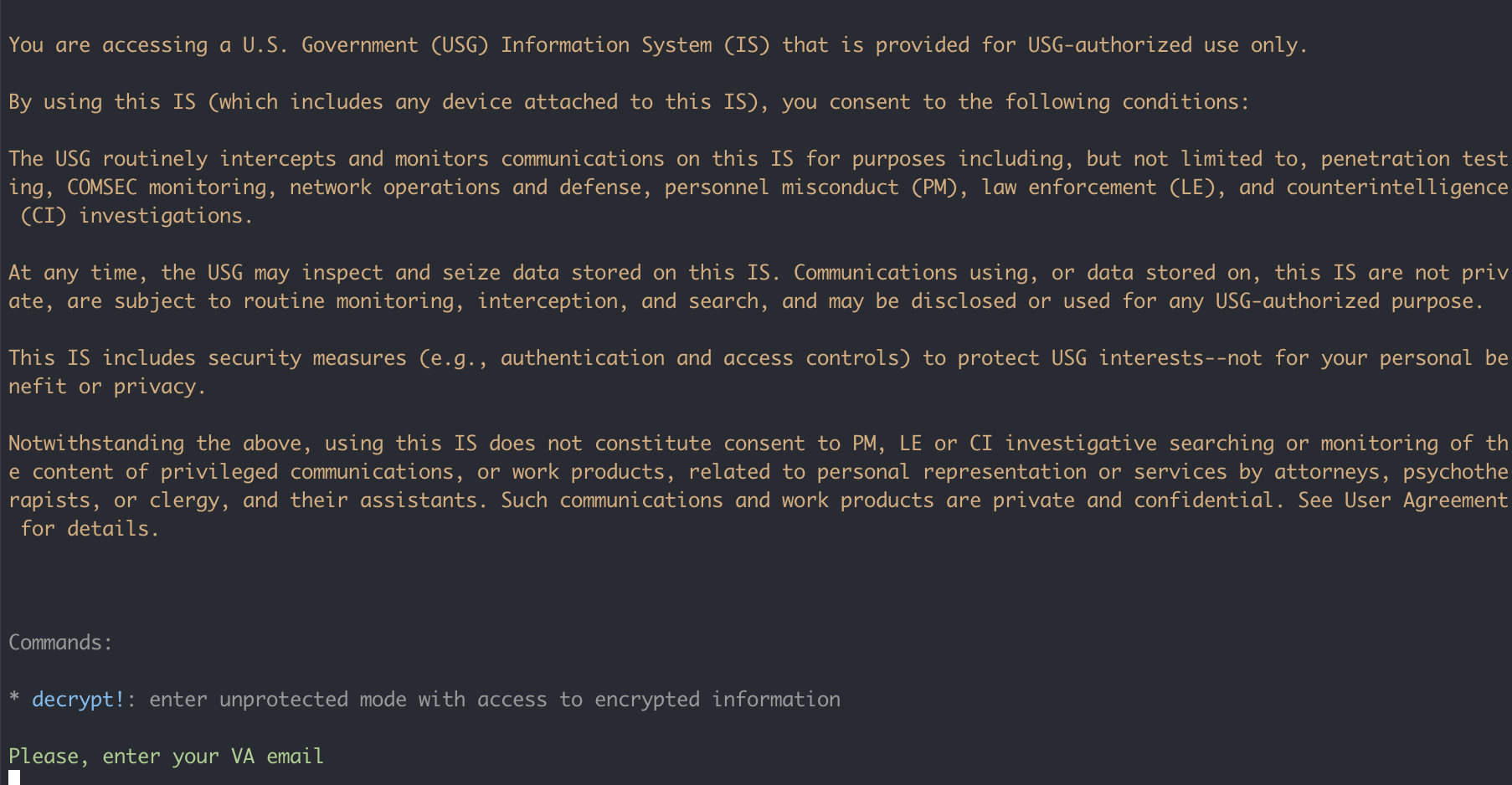
Use ArgoCD terminal normally to access Rails console. Inside the terminal run bundle exec rails c to open up console. Once console starts up, you’ll be prompted to enter your name. Enter your VA email address. The next prompt will ask you why you are accessing console, describe why and include the federal engineer username/id/email you are pairing with.
You’ll be able to use Rails console normally without interruption from console1984. It logs each interaction automatically.
Fed engineer pairing isn’t required in dev and staging.
You don’t need to decrypt! because uses a different encryption tool for encrypting data in the database.